Automatic Exchanges

Reissue tickets faster, with less manual work.

Automatic Exchanges

Automatic Exchanges help travel agents manage ticket changes through a guided workflow directly inside Travelport Mobile Agent and TTS WebAgent. Search exchange options, review fare rules, check penalties, calculate fare differences and complete eligible ticket reissues without complex manual GDS commands.

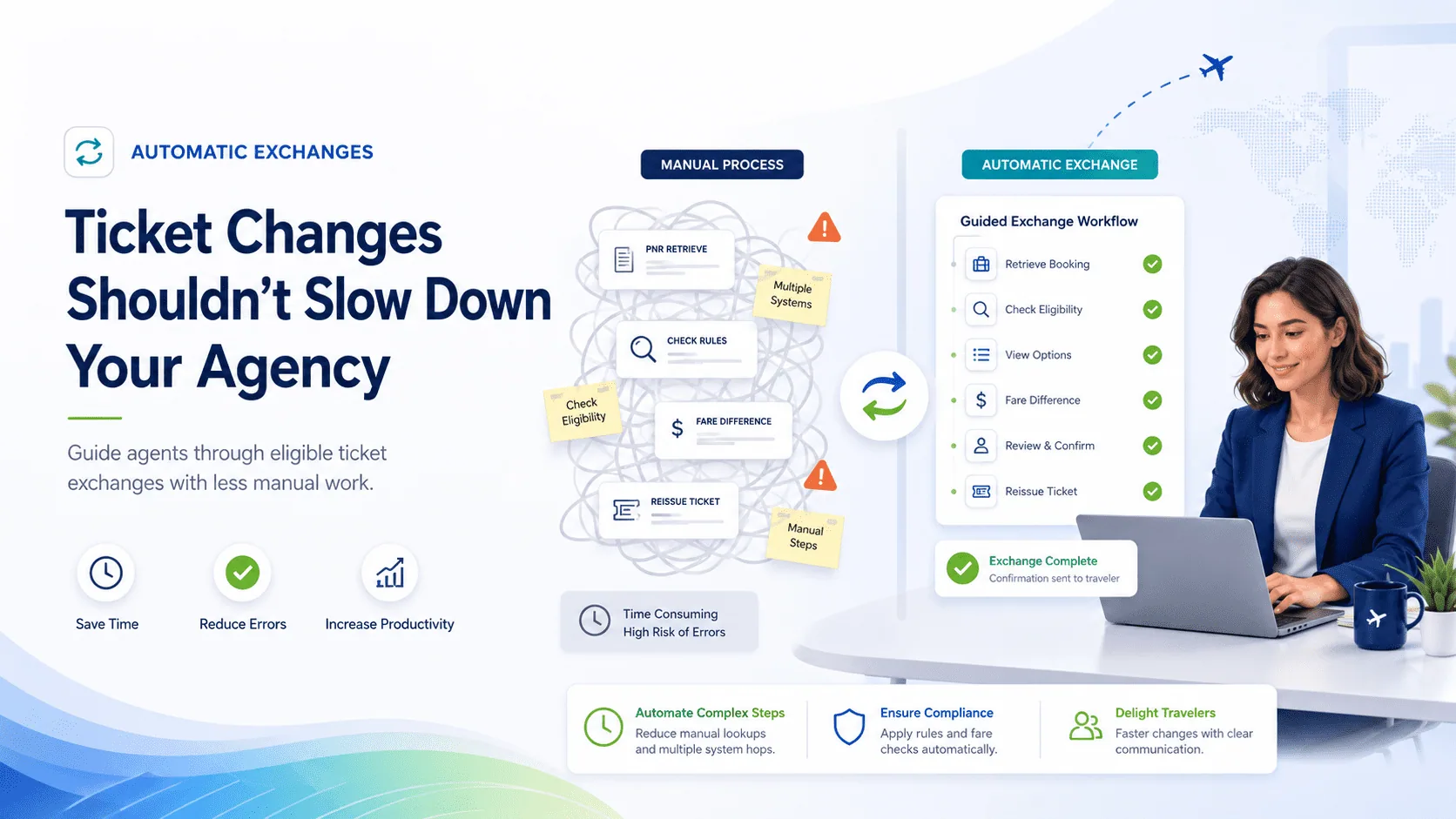
Ticket changes should not slow down your agency

Flight changes are part of daily agency work. But manual exchanges can be complex, time-consuming and highly dependent on experienced GDS users. Automatic Exchanges simplify the process by guiding agents through each step of the exchange workflow, helping your team handle eligible reissues with more consistency, more confidence and less manual effort. Whether your agents work from TMA or TTS WebAgent, they can follow a structured exchange process designed to reduce friction and speed up customer service.
Guided exchange workflow

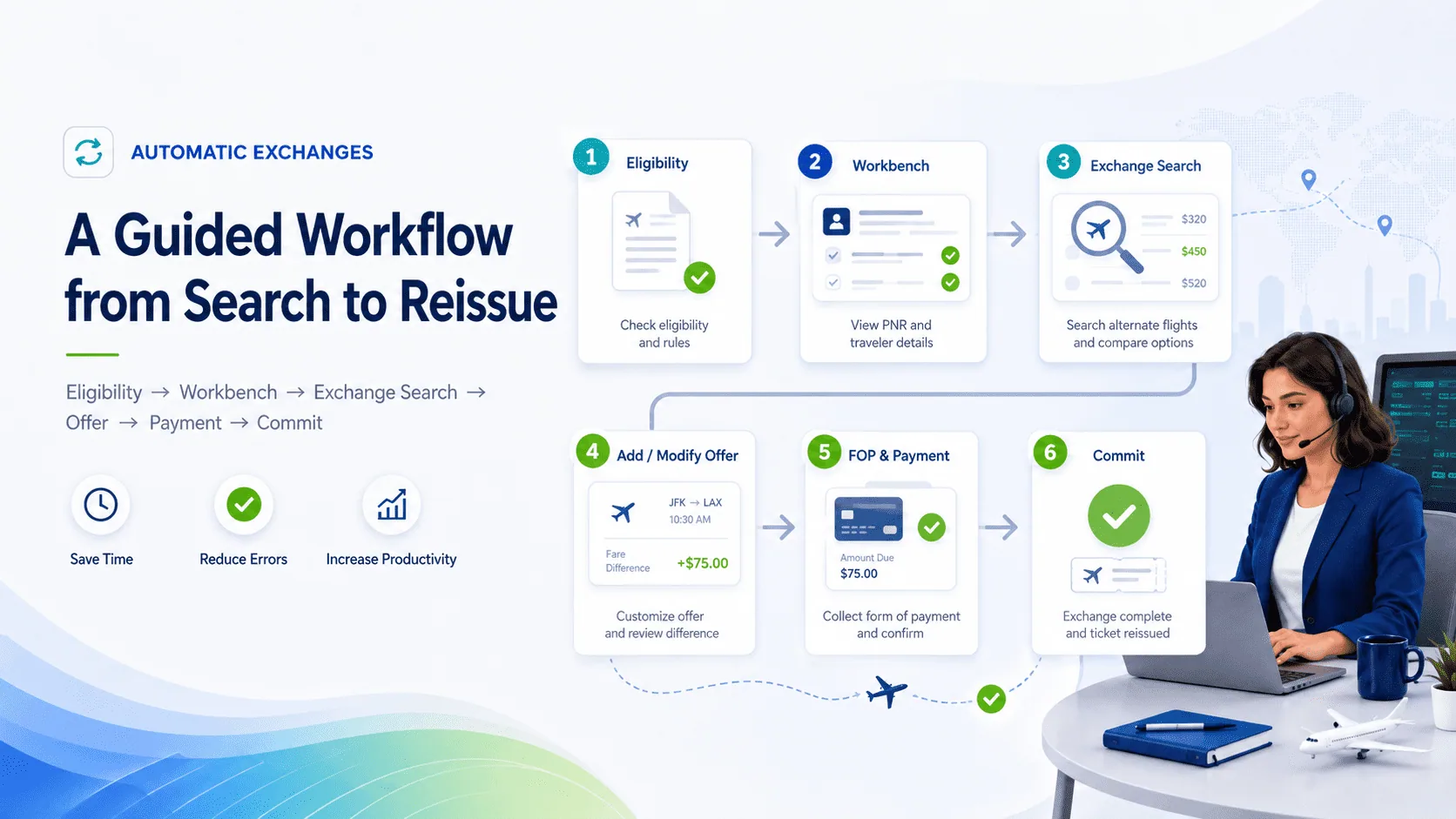
A guided workflow from search to reissue

Automatic Exchanges follow a clear step-by-step process, helping agents move from the original ticket to the new exchange offer and final ticket reissue.

  • 01 Eligibility

    Check whether the ticket can be exchanged before continuing.

  • 02 Workbench

    Load the active reservation and ticket from the booking locator.

  • 03 Exchange Search

    Search available exchange offers and review the options returned.

  • 04 Add / Modify Offer

    Select the preferred offer and let the system reconcile the itinerary.

  • 05 Form of Payment & Payment

    Add payment details. Taxes, penalties and fare differences are handled as part of the exchange flow.

  • 06 Commit

    Commit the exchange and reissue the ticket.

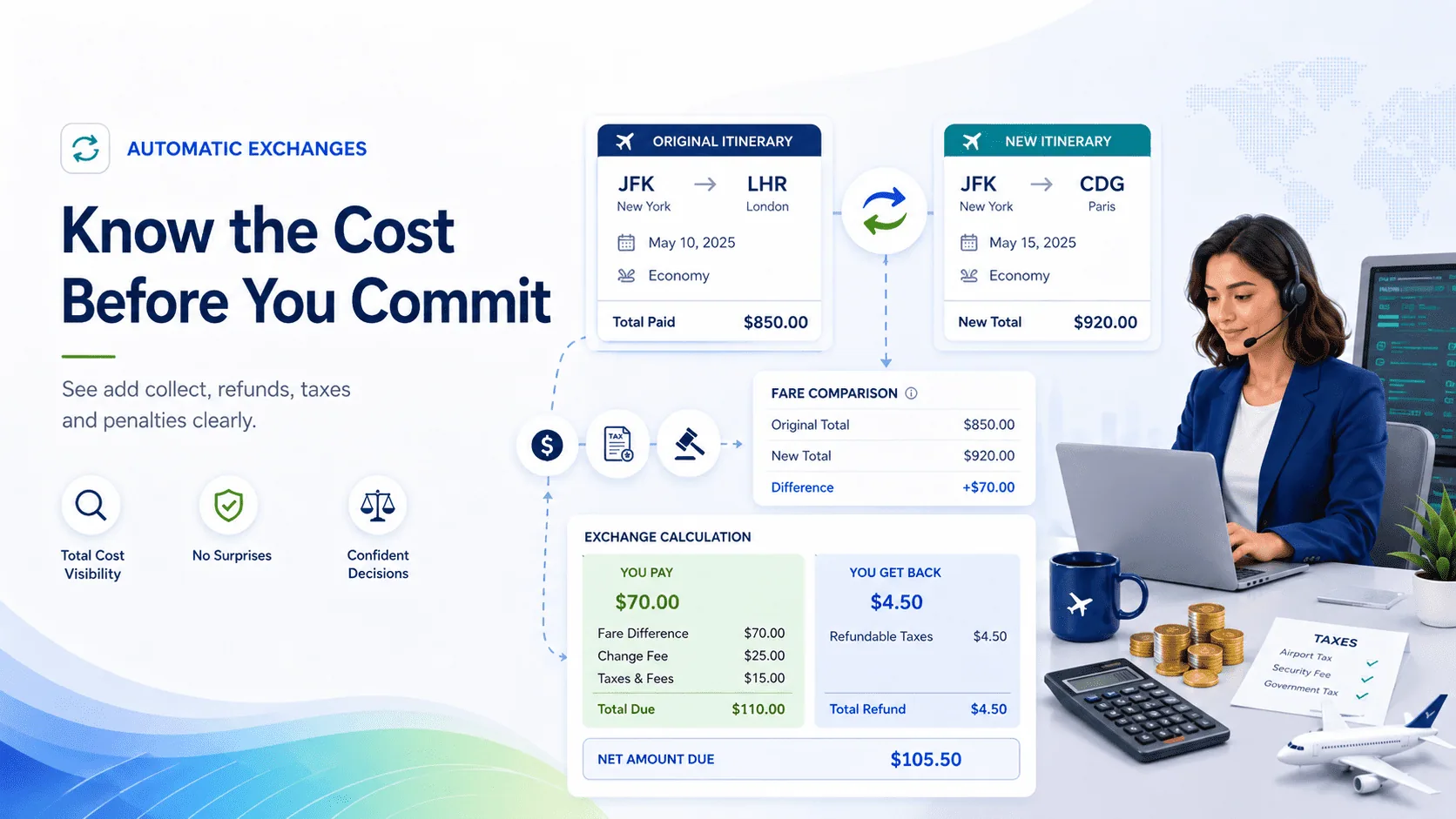
Know the cost before you commit

Automatic Exchanges help agents understand the financial impact of a ticket change before completing the transaction. When an exchange offer is selected, the workflow returns the price difference, including add collect or refund scenarios where applicable. Agents can review fare changes, penalties, taxes and payment details before committing the exchange. This helps reduce uncertainty and gives agents a clearer basis for explaining the change to the customer.

Reviewing the cost of an exchange

Fare rules, penalties and taxes handled with more clarity

Before selecting an exchange offer, agents can review important details such as:

  • Change and cancellation penalties
  • Fare rules and restrictions
  • Baggage allowance information
  • Fare expiry and payment time limits
  • Price difference between the original and new itinerary
  • Applicable taxes and fees

Taxes are calculated by Travelport and returned as part of the exchange workflow, reducing the need for agents to manually key tax codes or calculate totals by hand.

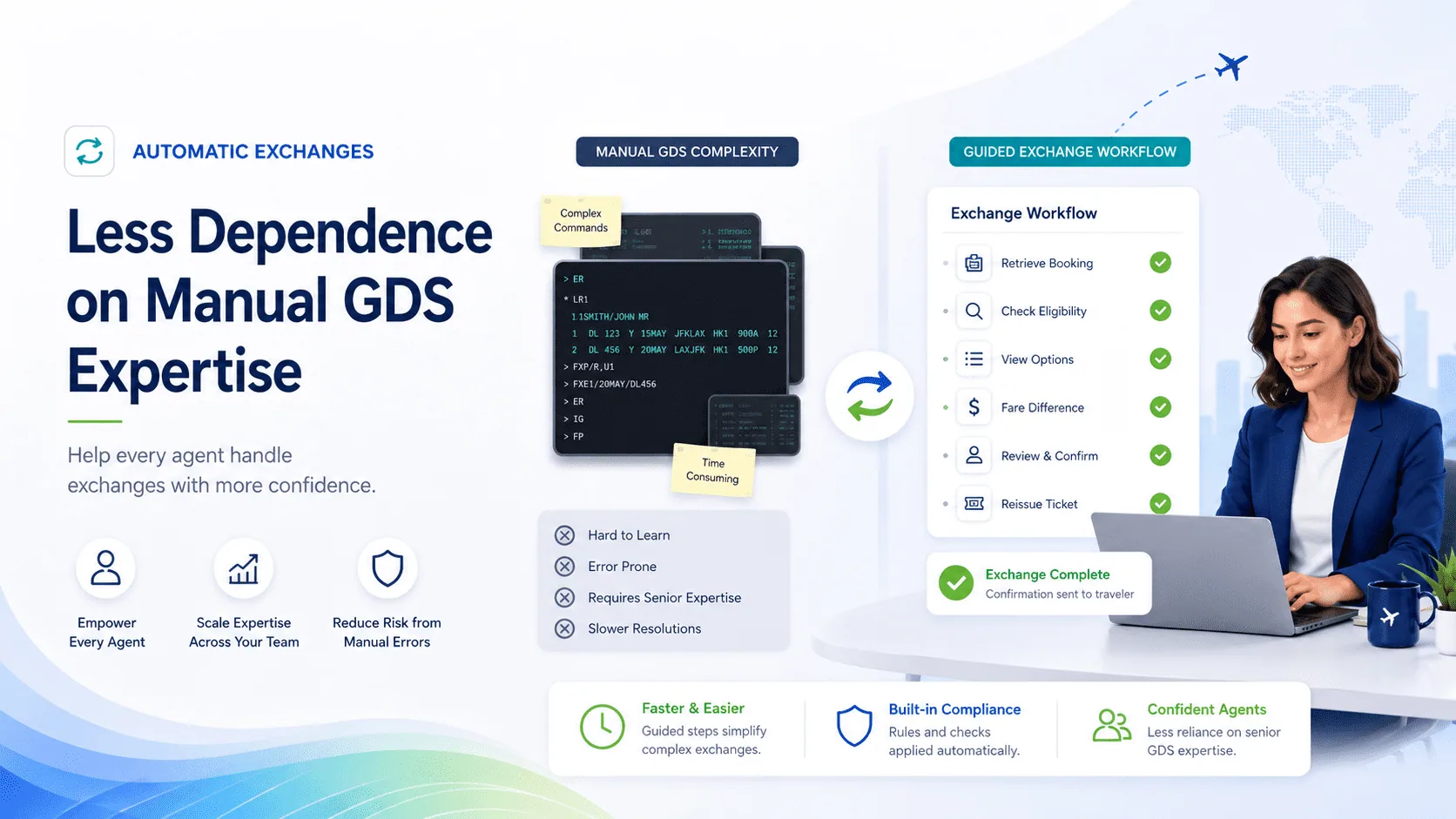
Less dependence on manual GDS expertise

Automatic Exchanges do not replace the agent’s knowledge. They help make the exchange process easier to follow. By guiding the agent through the required steps, the feature helps agencies:

  • Reduce repetitive manual work
  • Improve consistency across teams
  • Support less experienced agents
  • Speed up customer service
  • Reduce dependency on senior GDS experts for standard exchange scenarios
  • Keep the agent in control until the final commit

For agencies handling frequent ticket changes, this can save valuable time and help create a more predictable exchange process.

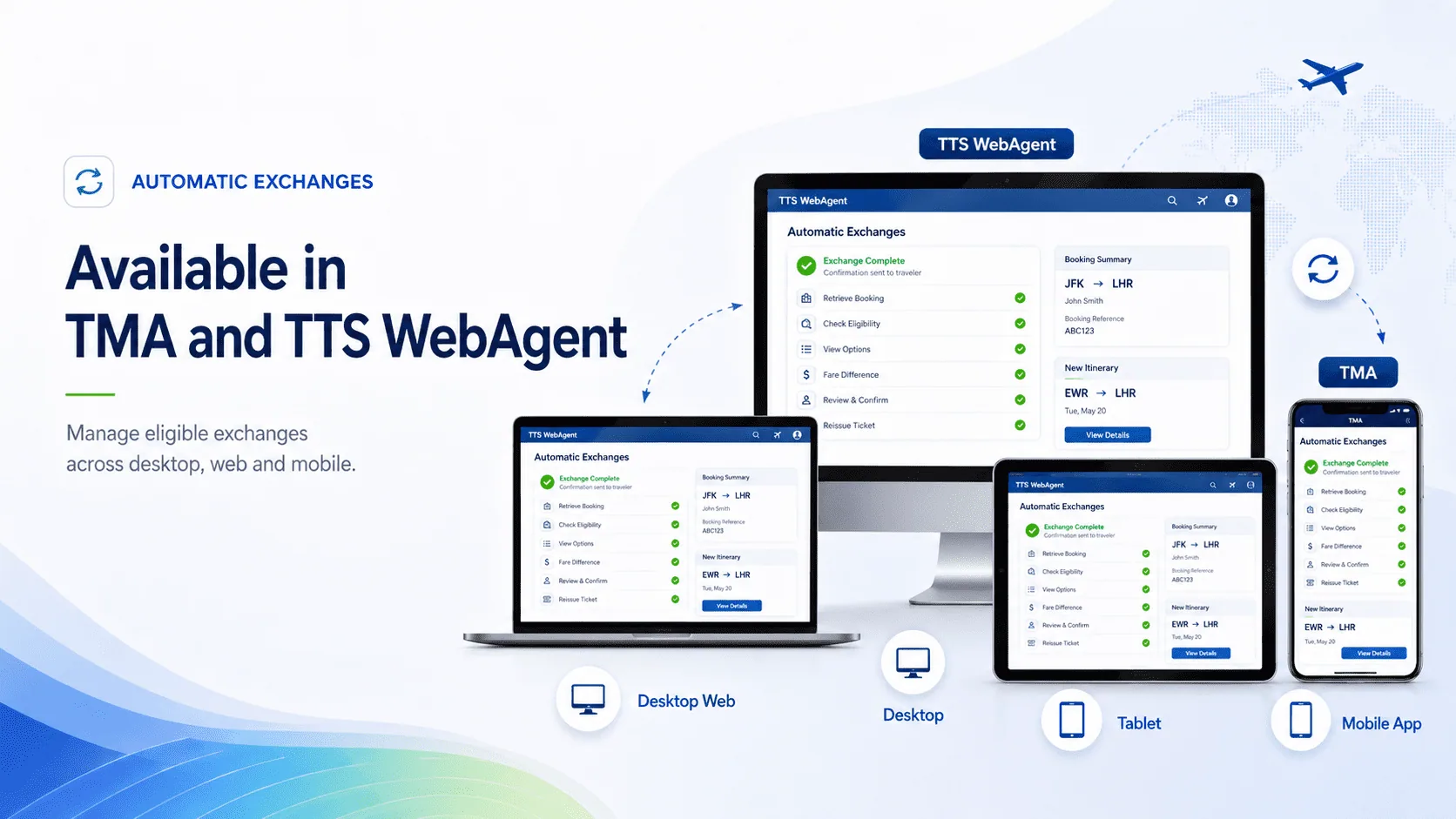
Available in TMA and TTS WebAgent

Automatic Exchanges are available in Travelport Mobile Agent and TTS WebAgent, giving agents access to the exchange workflow from the tools they already use every day. Whether your team works from desktop, web or mobile, Automatic Exchanges help agents manage eligible ticket reissues with a clearer and more guided process.

Automatic Exchanges in TMA and TTS WebAgent

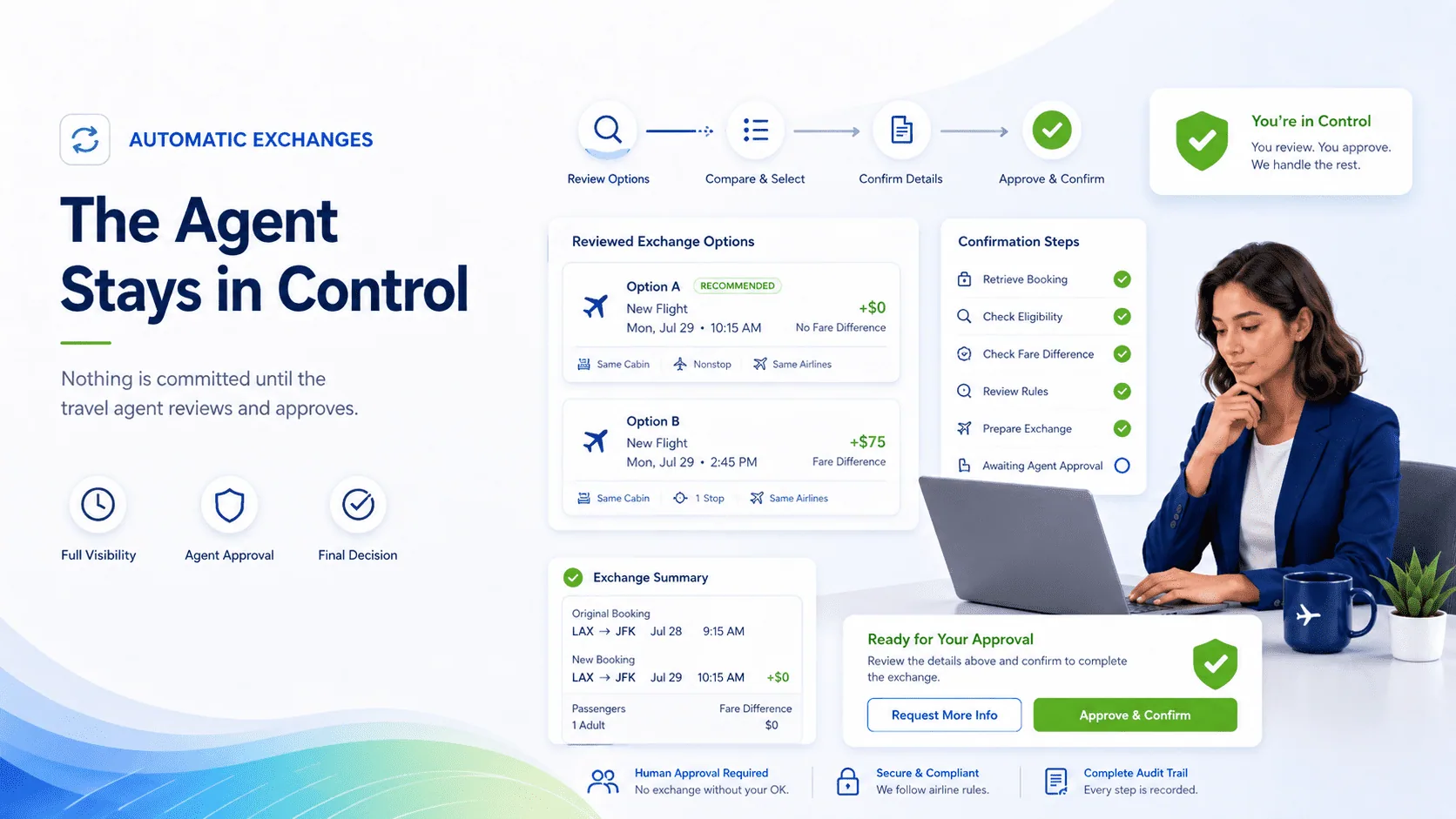
The agent stays in control

Automatic Exchanges guide the process, but the agent remains in control. Agents can review the exchange options, fare terms, price difference, penalties and payment details before committing the transaction. The exchange is only completed when the agent confirms and commits the reissue. This makes the workflow easier to manage while still keeping the final decision in the hands of the travel agent.

The agent stays in control

When automation is not possible, the GDS remains available

Automatic Exchanges are designed for supported exchange scenarios. Some cases may still need to be handled manually in the GDS, depending on airline, market, fare, ticket status or Travelport-supported exchange rules. When a scenario is not supported by the automated workflow, agents can continue the process through the standard GDS/manual exchange path.

Manual GDS exchange path

Frequently Asked Questions

What are Automatic Exchanges?

Automatic Exchanges are a guided ticket exchange workflow available in TMA and TTS WebAgent. They help agents search exchange options, review terms, calculate the fare difference and complete eligible ticket reissues with less manual GDS work.

Are Automatic Exchanges available in both TMA and TTS WebAgent?

Yes. The feature is available in Travelport Mobile Agent and TTS WebAgent, helping agents manage eligible ticket changes from the products they already use.

Does the agent still need to use manual GDS commands?

For supported exchange scenarios, the workflow guides the agent through the exchange process without requiring complex manual GDS commands. If the scenario is not supported, the agent can still complete the case manually in the GDS.

Can agents review the fare rules before selecting an exchange option?

Yes. Agents can review relevant exchange offer details before selecting an option, including penalties, fare rules, restrictions, baggage information and fare expiry.

Who calculates the taxes and fare differences?

The exchange pricing, taxes, fees and fare differences are returned through the Travelport exchange workflow. TTS displays and organises this information inside the product so the agent can review it before committing the exchange.

What happens if the new itinerary is more expensive?

The workflow returns the additional amount due, including any applicable fare difference, taxes and penalties.

What happens if the new itinerary is cheaper?

Where supported, the workflow returns the applicable refund or residual value handling according to the Travelport exchange process, airline capability and market rules.

Can a PNR created in another Travelport tool be exchanged?

Yes, provided the reservation and ticket are still active and the scenario is supported. A PNR created in another Travelport channel can be retrieved and processed through the exchange workflow if it meets the required conditions.

Are all tickets supported?

No. Automatic Exchanges depend on the supported scenarios available through the Travelport exchange workflow. Some cases, such as unsupported airline rules, specific ticket conditions, some schedule change situations, divided tickets or other non-supported scenarios, may need to be handled manually.

Are NDC exchanges supported?

NDC content follows a separate workflow and is not part of this GDS Automatic Exchanges flow.

What happens when the automatic workflow cannot process the exchange?

The agent can still handle the exchange manually in the GDS, using the normal manual exchange process.

Start exchanging tickets faster

Get Started Now!